

Features
Tamanga POS is an online point-of-sale and information system designed to speed up transactions and simplify accounting for retail and wholesale businesses. Boost your efficiency with these core features:
Inventory Management
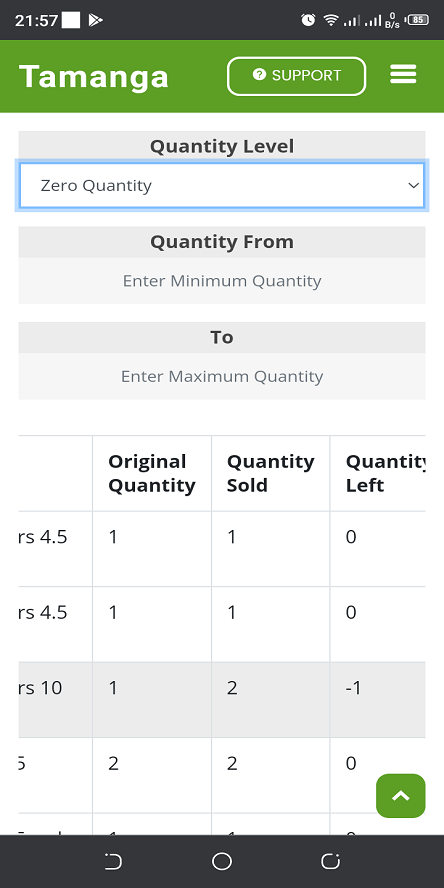
Helps you avoid the problems of stock shortage and overstocking
Sales Summary
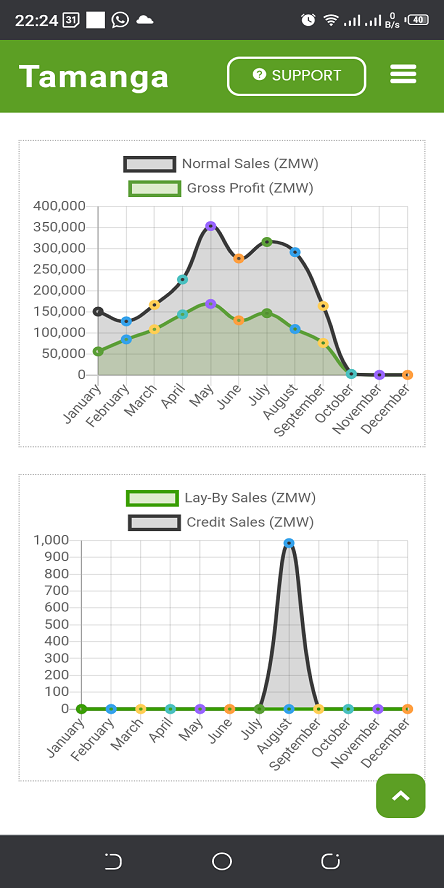
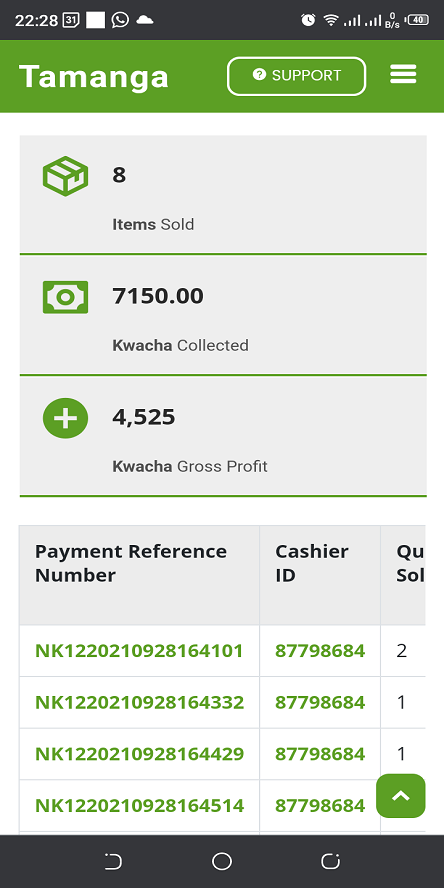
See how much gross profit you are generating on a daily, weekly, monthly or yearly basis.
Offline Operation
You can still operate the Tamanga POS app even without internet
Administration
Allows you to manage your POS operators and provide access control
Lay-By/Credit Sales Tracking
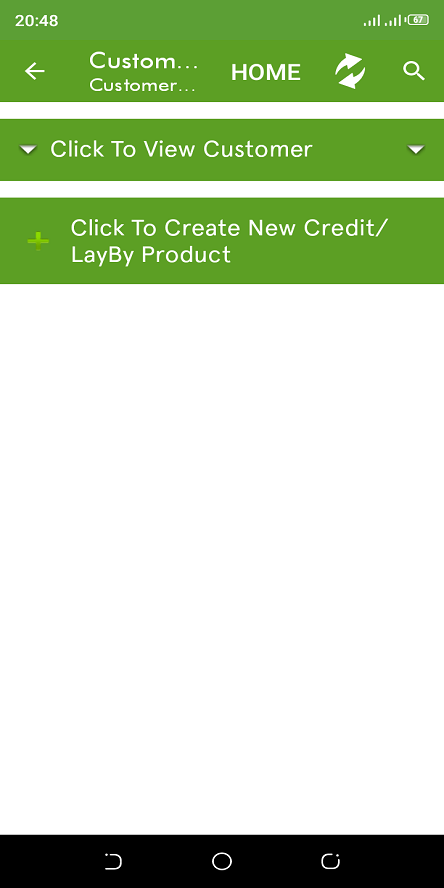
Track your Lay-By and Credit sales. See sales that are overdue and their impact on your profits
Sale Trends Summary
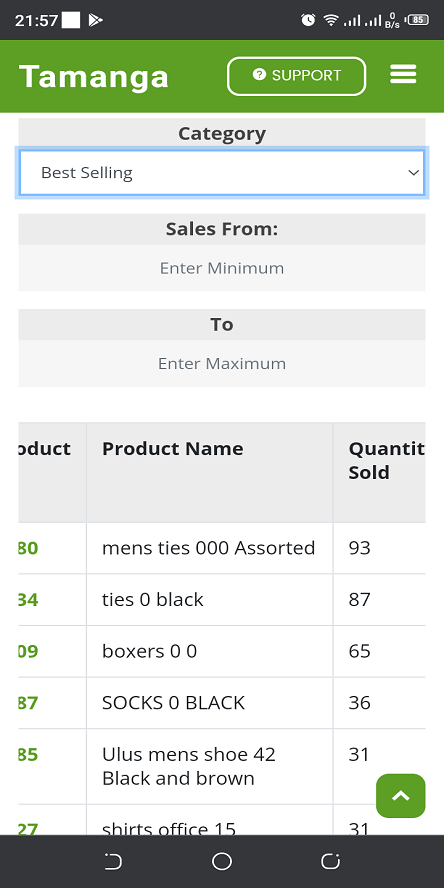
See which products are selling, branches that are selling more and many other trends

Requirements
What do I need for Tamanga POS & Inventory to work? You will need to have the following (Some are not required) as Tamanga POS & Inventory has been designed for nearly every business need
Printing Physical Receipts
A thermal receipt printer with support for Windows & Mac OS Only. Email receipts are available for all platforms
Conducting Sales
A device a screen size of more than 10 inches, with a physical keyboard and support for a handheld barcode scanner
Sales Monitoring & Email Alerts
Any device that can run a web browser like (E.g Google Chrome, Microsoft Edge or Apple Safari)
Employee & Customer Management
Any device that can run a web browser like (E.g Google Chrome, Microsoft Edge or Apple Safari)
Product & Services Registration
Any device that can run a web browser like (E.g Google Chrome, Microsoft Edge or Apple Safari)
Age & Expiry Monitoring
Any device that can run a web browser like (E.g Google Chrome, Microsoft Edge or Apple Safari)
Gallery
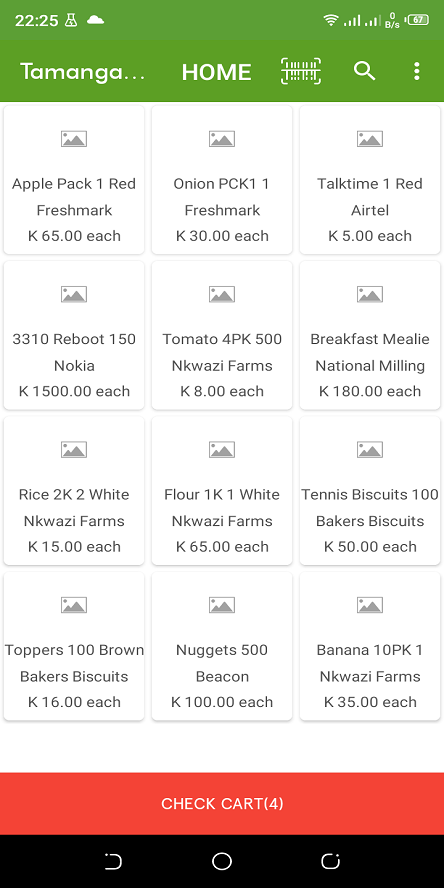
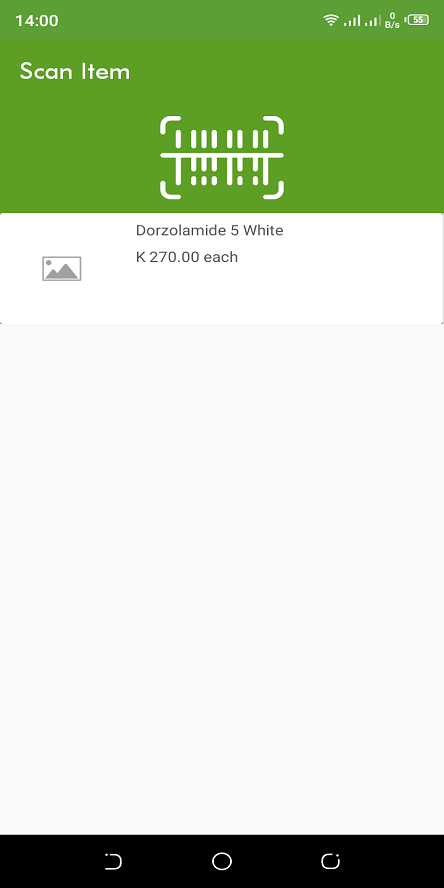
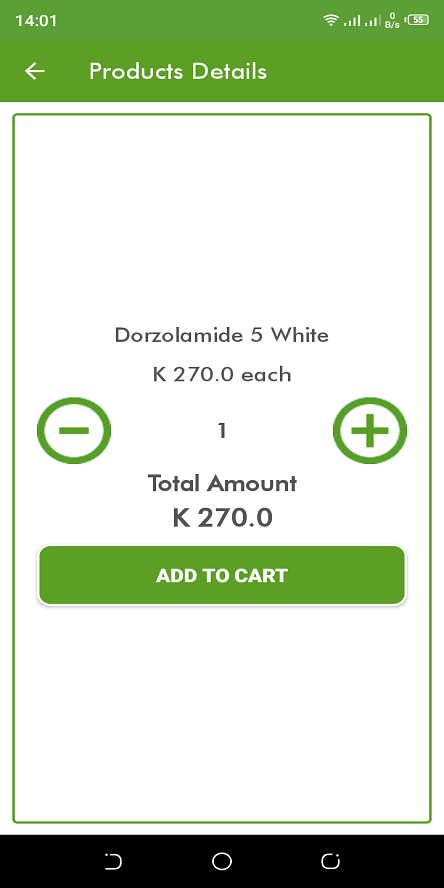
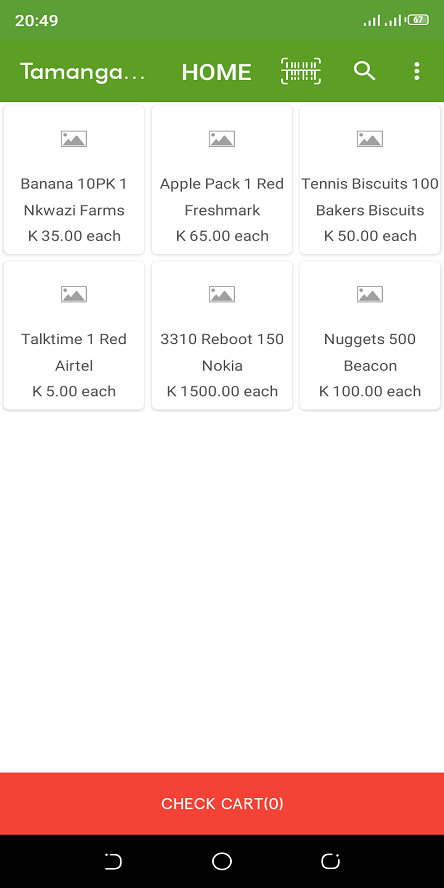
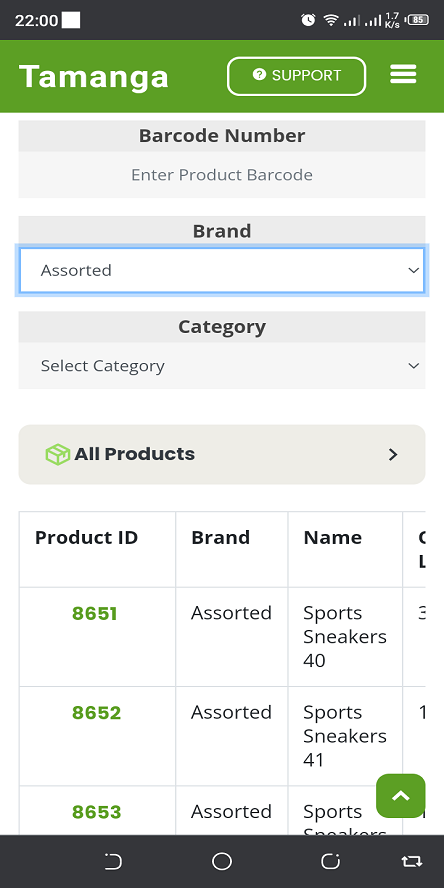
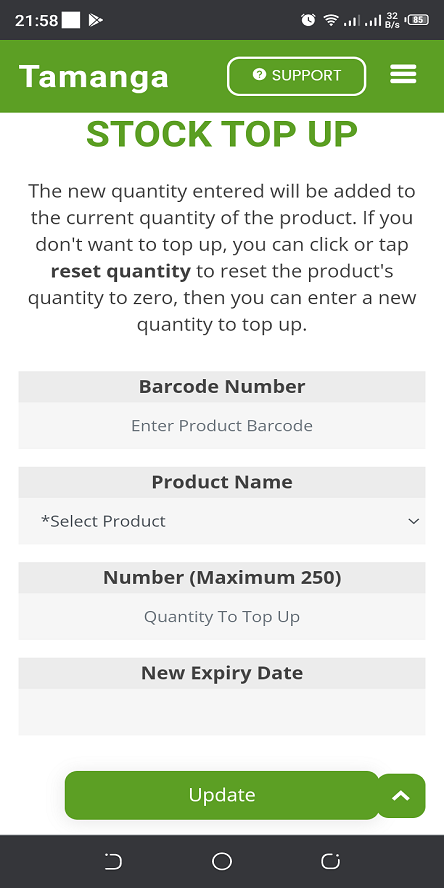
Photos of the Tamanga POS android app and the Tamanga online web portal. Pictures shown here may differ from the actual product due to feature updates and improvements.
POS Pricing Plans
You can try Tamanga POS for free, for one month. A ZMW 50 lifetime discount is applied if you pay before the free trial ends. Yearly plans give you two months free. No drip pricing (All costs are included in the displayed price)
Product registration is ZMW 2 per product. A product with a quantity of 1,000 units will still cost ZMW 2
Basic Plan
ZMW 200Per Month
ZMW 2,000/Year
- 1 Shop
- 10 Cashiers
- 50 Different Products
- 1 Month Free Trial
- Invoices & Receipts
- Free system support
- Free account upgrade/downgrade
- Online Sales Summary
- Customer Lay-By/Credit Sales
- Email Sales Reporting
- System Logging
Pro Plan
ZMW 300Per Month
ZMW 3,000/Year
- 2 Shops
- 20 Cashiers
- 100 Different Products
- 1 Month Free Trial
- Invoices & Receipts
- Free system support
- Free account upgrade/downgrade
- Online Sales Summary
- Customer Lay-By/Credit Sales
- Email Sales Reporting
- System Logging
Pro Plus Plan
ZMW 400Per Month
ZMW 4,000/Year
- 5 Shops
- 50 Cashiers
- 200 Different Products
- 1 Month Free Trial
- Invoices & Receipts
- Free system support
- Free account upgrade/downgrade
- Online Sales Summary
- Customer Lay-By/Credit Sales
- Email Sales Reporting
- System Logging
Inventory Pricing Plans
We register and label current stock and also new stock that arrives. Locations must be within a 30 kilometer radius of Lusaka town
Starter
ZMW 750Per Month
ZMW 7,500/Year
- Product registration
- Inventory data conversion
- Barcode Labelling
- Up to 3,500 Product Units
- Stock Counting
- 1 Location
- Damaged Stock Reporting
- Expired Stock Reporting
- Missing Stock Reporting
- System Onsite Support
Basic
ZMW 2,500Per Month
ZMW 25,000/Year
- Product registration
- Inventory data conversion
- Barcode Labelling
- Up to 10,000 Product Units
- Stock Counting
- 3 Locations
- Damaged Stock Reporting
- Expired Stock Reporting
- Missing Stock Reporting
- System Onsite Support
Pro Plan
ZMW 4,500Per Month
ZMW 45,000/Year
- Product registration
- Inventory data conversion
- Barcode Labelling
- Up to 18,000 Product Units
- Stock Counting
- 5 Locations
- Damaged Stock Reporting
- Expired Stock Reporting
- Missing Stock Reporting
- System Onsite Support
Pro Plus Plan
ZMW 7,000Per Month
ZMW 70,000/Year
- Product registration
- Inventory data conversion
- Barcode Labelling
- Up to 28,000 Product Units
- Stock Counting
- 8 Locations
- Damaged Stock Reporting
- Expired Stock Reporting
- Missing Stock Reporting
- System Onsite Support
Frequently Asked Questions
You are seeing the most frequently asked questions. However, if you have your own question, you can click or tap here to register it.
-
What do I need for me to use Tamanga POS?
You need any device with a web browser. For printing of Invoices and Receipts, you will need a printer
For registration, we recommend you use your business Email addresses and business phone numbers. You should not use your personal emails or personal phone numbers for registration. We will not be held responsible for any damages that will occur as a result of using personal phone numbers or Emails to register with Tamanga POS
-
Can i subscribe to two or 3 different pricing plans?
Yes. Applicable if you have many stores with different registration names. Though it's recommended that if you have multiple retail stores under one name, you should subscribe to one plan.
-
What is required for the lay-by/credit feature to work?
You will need to register your trusted customers on the online web portal. These will appear in the android app, when you select the Lay-By/Credit option.
-
If a feature is not available in the plan i have selected, can i still subscribe to it separately?
Yes. It will be treated as an option. This is suitable if you don't use that feature frequently (Eg on a monthly basis).
-
What will happen to my sales data once the trial am using expires after one month?
Your sales data will still be available and is transferable to the paid plan in case you decide to purchase the full priced plan.
Contact Us
You can contact us if you have any queries about the Tamanga POS system. You can also post any questions you have regarding the use of the Tamanga POS system. We will not share your email.
Email Us
Support Hours
Mon - Sat: 06:00 to 21:00
Sun & Holidays: Leave Us Message